10 AI Creative Tools Everyone Is Using in 2026 (and Where Magnific Fits)
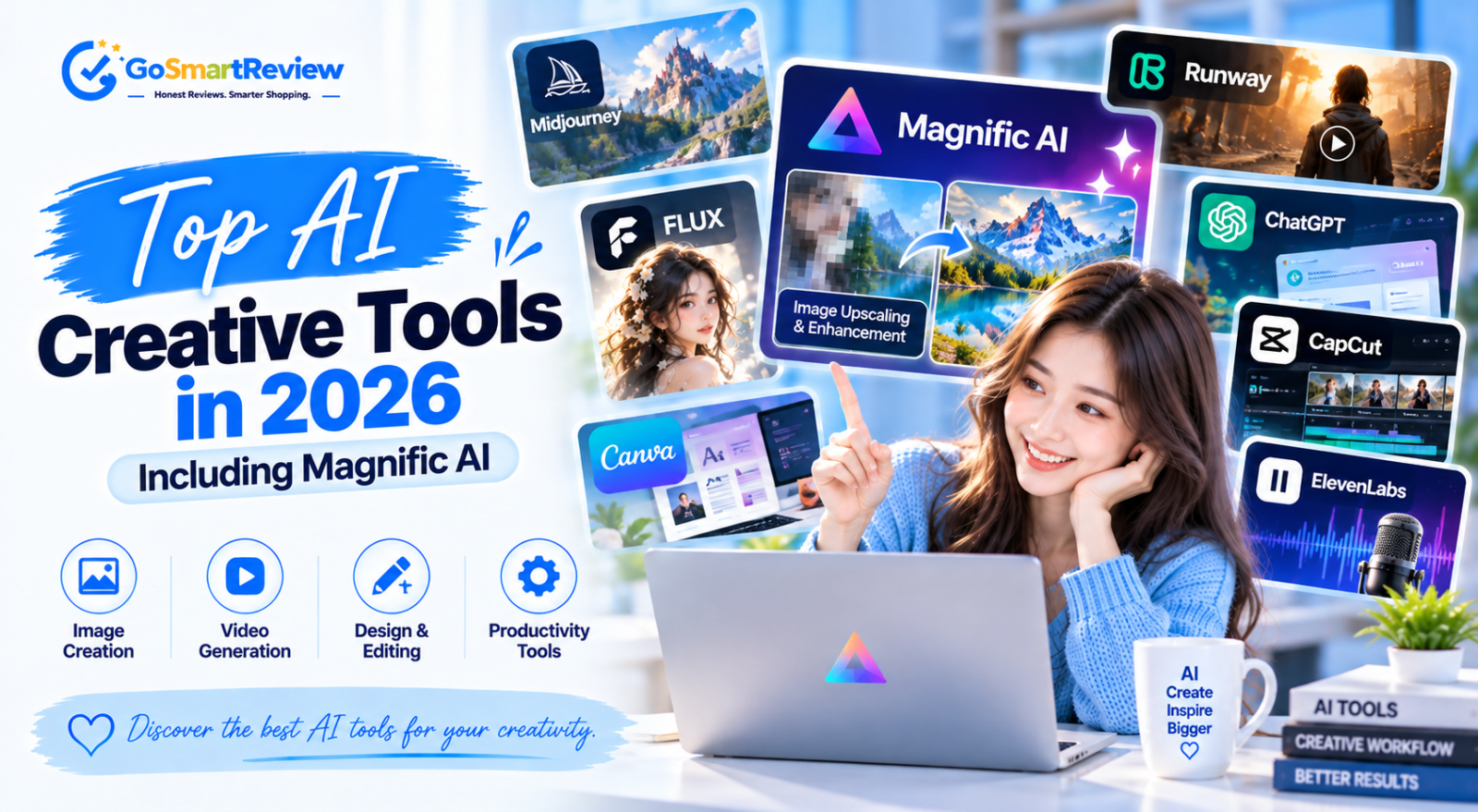
From image generators to video and upscaling, a handful of AI tools now power most creative work online. Here are the ten we see used most often in 2026, what each one is best at, what it costs to start, and where Magnific fits into a modern workflow.
How creators actually use AI in 2026
Very few people rely on a single AI tool. A typical 2026 workflow has three stages: generate an image or clip, edit it, then finish it by upscaling and sharpening for delivery. The tools below are the ones that show up most often at each stage.
Magnific is unusual because, since Freepik rebranded its whole platform under the Magnific name in April 2026, it covers all three stages in one place. We cover it in depth in our full Magnific review; here's how it compares with the rest of the field.
10 AI tools creators use most
Listed by how often we see them in real creative workflows, not by price. Starting prices are entry-level plans and change often, so always check the vendor's pricing page.
Midjourney — the image quality benchmark
Still the go-to generator for artistic and photorealistic images. Plans start at $10/month (Basic), with Standard at $30/month adding unlimited Relax mode. There's no free trial, and unused Fast hours expire each cycle.
ChatGPT Images — the everyday generator
Built into ChatGPT, so millions of people use it without thinking of it as a separate tool. Great for quick concepts, edits by conversation and images with readable text.
Magnific — the all-in-one creative suite
Best known for its detail-hallucinating upscaler, Magnific now also offers image generation across many models, video, audio and editing tools. Premium starts around $14.50/month billed annually. It's the finishing tool of choice for AI artists. Try Magnific here.
Runway — AI video for creators
The most popular AI video platform for creators and small studios, with Gen-4-family models and editing tools. Standard starts at $12 per user/month, and there's a small free plan with one-time credits.
Adobe Firefly — commercially safe generation
Trained on licensed content, which makes it a favourite for brands worried about copyright. It's built into Photoshop and Illustrator, with standalone plans starting at a few dollars a month.
Ideogram — text inside images
The tool people reach for when an image needs clean, readable typography, like posters, logos and social graphics. Entry plans start around $7/month, with a limited free tier.
Leonardo.ai — flexible with a free tier
Popular with game artists and hobbyists thanks to a daily free token allowance and lots of model options. Paid plans start around $12/month.
Canva AI — AI inside a design tool
For marketers and small businesses, Canva's built-in AI is often the first AI tool they use. It covers image generation, background removal and text, with a free plan and paid tiers.
Topaz Gigapixel — the precision upscaler
A desktop upscaler focused on faithful enlargement up to 16x. It's now subscription-only, at about $149/year or $29/month, with a downloadable trial.
Stable Diffusion — open source and free
Free to run on your own computer, endlessly customisable and backed by a huge community. The trade-off is setup time and the need for a decent graphics card.
Why many creators add Magnific to their stack
Even creators who love Midjourney or ChatGPT Images often finish their work in Magnific.
- It fixes the "AI mush" problem. Creative mode invents believable texture (skin, fabric, stone) that generators often blur.
- It replaces several subscriptions. Image generation, video, upscaling and audio sit under one plan.
- It works with any source. Upload images from any generator, or old photos and design assets.
- It scales up to 16x for print and large displays.
Want to see it in action? Read our step-by-step Magnific guide or start with Magnific here.
What to look for in an AI tool
- A clear pricing page with credit rules spelled out
- A free tier or trial so you can test with your own work
- Commercial-use rights on paid plans
- Regular model updates
- Exports at the resolution you actually need
- Credits that expire quickly with no rollover
- No refunds and no way to test first
- Unclear commercial licensing
- Paying for three tools that overlap
- Picking a tool for hype rather than your use case
Matching tools to your work
✔ Magnific makes sense if you
- Finish AI art or photos for clients or print
- Want image, video and upscaling in one subscription
- Already generate in Midjourney or FLUX and need better detail
- Work with images every week
✘ Start elsewhere if you
- Only need a few images a month (try ChatGPT Images or Canva)
- Need typography-heavy graphics (try Ideogram)
- Mainly make video (try Runway)
- Want a free, local setup (try Stable Diffusion)
The 10 tools at a glance
| Tool | Best for | Free option | Starting price |
|---|---|---|---|
| Midjourney | Artistic and photoreal images | No | $10/mo |
| ChatGPT Images | Everyday images and quick edits | Limited | Included with ChatGPT plans |
| Magnific | All-in-one suite and upscaling | Limited | ~$14.50/mo (annual) |
| Runway | AI video | Yes (one-time credits) | $12/user/mo |
| Adobe Firefly | Commercially safe images | Limited | A few dollars/mo |
| Ideogram | Text in images | Yes | ~$7/mo |
| Leonardo.ai | Game art, flexible models | Yes (daily tokens) | ~$12/mo |
| Canva AI | Marketing design | Yes | Paid Canva plans |
| Topaz Gigapixel | Precision upscaling | Trial | $149/yr |
| Stable Diffusion | Free local generation | Yes (open source) | Free |
Prices are entry-level plans as reported in October 2026 and change often. Check each vendor's site before buying.
Quick answers
What's the most popular AI image tool in 2026?
ChatGPT Images reaches the most people because it's built into ChatGPT, while Midjourney remains the favourite among artists for quality.
Is Magnific a generator or an upscaler?
Both. It started as an upscaler, but since the April 2026 rebrand it's a full suite with image generation, video, audio and editing tools.
Do I need more than one AI tool?
Most creators use two or three: a generator, a video tool and a finisher. An all-in-one suite like Magnific can reduce that number.
Which AI tools are free?
Stable Diffusion is free and open source. Leonardo, Canva, Ideogram and Runway have free tiers with limits.
Which tool is best for upscaling?
Magnific for creative detail on AI art, Topaz Gigapixel for strict, faithful enlargement.
Build a stack, not a collection
The best AI setup is the smallest one that covers generating, editing and finishing your work. For many creators that's one generator plus Magnific, because Magnific's finishing tools and built-in models cover the rest.
Not sure yet? Read our full Magnific review to see whether it fits your workflow and budget.
Try Magnific AI →