
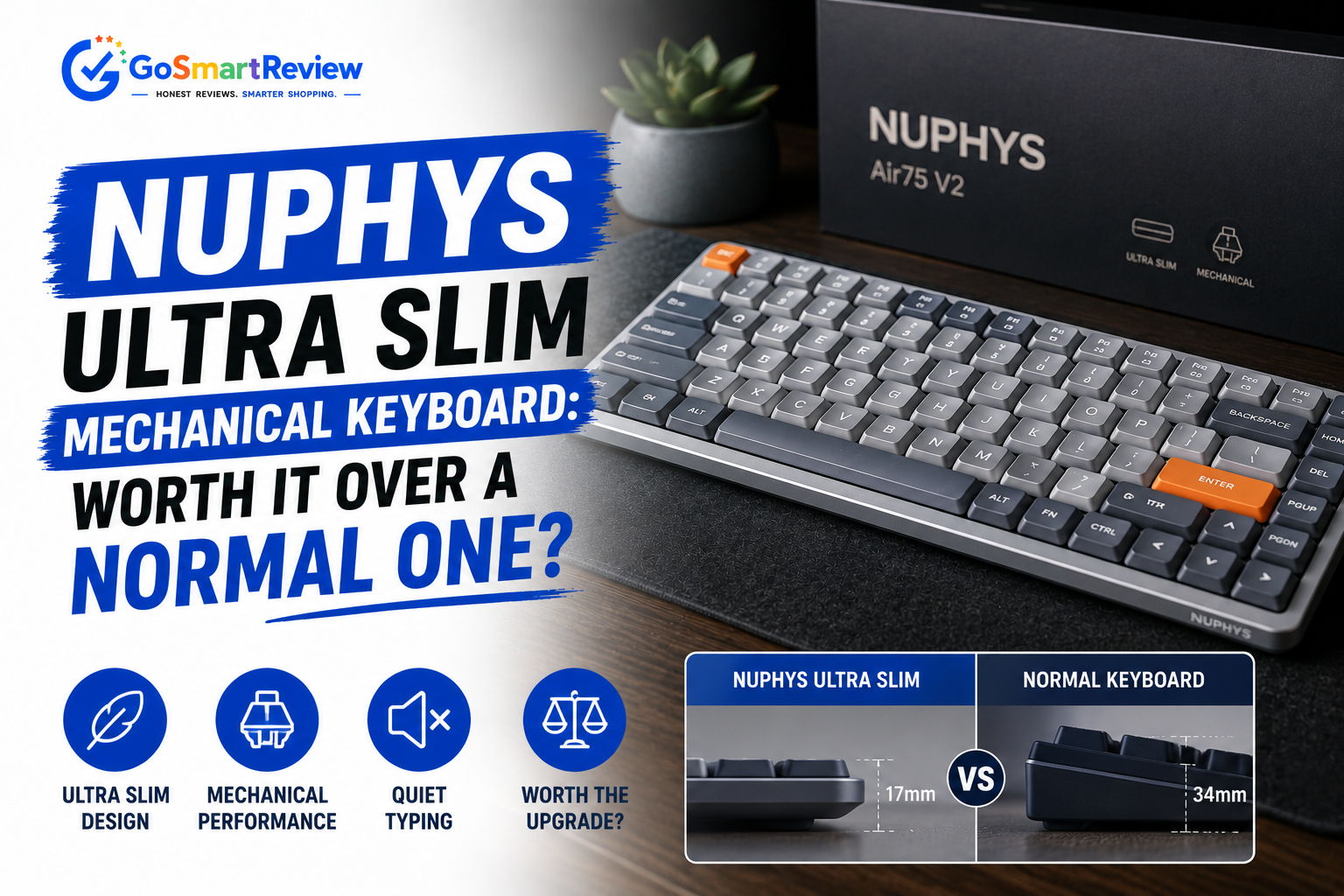
Are NuPhy's ultra-slim mechanical keyboards worth it over a normal one?
NuPhy built its reputation on a genuinely hard engineering problem: fitting real mechanical switches into a keyboard thin enough to sit on top of your laptop's own keys. With the Air75 line and a growing Hall Effect lineup, here's whether that thinness actually comes with a typing experience worth paying for.
What is NuPhy?
NuPhy makes ultra-slim wireless mechanical keyboards, best known for the Air75 — at its thinnest point, only 16mm — built around low-profile Gateron switches, hot-swap sockets, and PBT keycaps. The lineup has since expanded into Hall Effect (HE) magnetic switch keyboards for faster actuation, alongside the Halo and Air series in multiple sizes, all designed to work seamlessly across Mac, Windows, and Linux.
What you get, what you give up
- Genuinely thin without sacrificing real mechanical switches — the Air75's 16mm profile is a real engineering achievement, not just marketing language
- Hot-swappable switch sockets let you change the typing feel without soldering, with bonus switches included in the box
- Open QMK/VIA firmware on newer models gives full key remapping and macro support across every major OS
- AirFeet magnetic stands let the keyboard mount directly on top of most laptop keyboards, including MacBooks, for a genuine hybrid setup
- Multi-device connectivity (up to 4 devices) with fast switching makes it practical for people juggling a work and personal machine
- The Hall Effect (HE) lineup brings adjustable actuation points to the same slim form factor, appealing to gamers as well as typists
- Priced above basic membrane or generic mechanical keyboards — the HE lineup in particular sits in the $115–$160+ range
- Battery life, while solid, is noticeably shorter with RGB lighting active versus lights-off use
- Not every model in the catalog ships with hot-swap or HE switches, so it's worth checking specs closely before buying
- As with most direct-to-consumer keyboard brands, official warranty/support experience can vary more than buying through a large retailer
Which NuPhy keyboard actually fits you
The engineering behind the thinness
Low-profile switches, real mechanical feel
Gateron Low-profile switches keep genuine tactile or linear feedback while cutting total travel distance compared to standard-height mechanical switches.
Aluminum frame, hidden switches
An aluminum alloy stamping process hides the switch mechanism under the frame and keycaps, which is what allows the 16mm thinnest-point profile.
Spherical PBT keycaps
A 4.6mm ergonomic spherical keycap design adds a more comfortable typing feel than flat low-profile keycaps often deliver, while resisting the shine that ABS keycaps develop over time.
Hall Effect for speed-sensitive use
HE models use magnetic sensing switches that let you adjust actuation distance, a feature typically reserved for gaming-focused full-size keyboards.
When to buy — and what to compare it against
✔ NuPhy is a great fit if you
- Want real mechanical typing feel without a bulky, tall keyboard on your desk
- Travel with a laptop and want a keyboard that can mount directly on top of it
- Care about open firmware (QMK/VIA) for full key remapping across platforms
- Are curious about Hall Effect switches but don't want to give up the slim form factor
✘ Consider elsewhere if you
- Want the deepest possible key travel and loudest tactile feedback — full-height mechanical boards will suit you better
- Are on a tight budget where a basic membrane keyboard is genuinely sufficient
- Prefer buying through a large retailer with the most mainstream return/warranty process
NuPhy vs. Keychron's low-profile lineup
| Brand | Starting price | Switch tech | Best for |
|---|---|---|---|
| NuPhy | ~$116–$160 (HE lineup) | Low-profile mechanical & Hall Effect | Thinnest available form factor |
| Keychron K3 HE | ~$110–$115 | Hall Effect magnetic | Gaming-focused low-profile, wood accents |
| Keychron K3 (mechanical) | Budget-friendly tier | Low-profile mechanical/optical | Lower cost entry into slim mechanical typing |
Quick answers
Can I actually swap the switches myself?
Yes — hot-swappable models let you remove and replace switches without soldering, and NuPhy includes a keycap/switch puller plus a few bonus switches in the box on models like the Air75.
Will it sit on top of my laptop keyboard without blocking the keys?
The AirFeet magnetic stand system is designed specifically to mount between rows of keys on most laptops, including the MacBook lineup, without interfering with typing.
What's the difference between the mechanical and HE (Hall Effect) versions?
Mechanical versions use traditional switch contacts, while HE models use magnetic sensing that lets you adjust the exact actuation point — useful for gaming precision, at a somewhat higher price.
Does it work the same on Mac and Windows?
Yes — NuPhy designs its keyboards to support both natively, including a dedicated Mac multimedia key layout and shortcuts alongside full Windows compatibility.
8.8/10 — Proof that slim and mechanical don't have to be a trade-off
NuPhy earned its reputation by solving a real engineering constraint — genuine mechanical switches in a 16mm-thin body — rather than just slapping a slim label on a membrane board. The expansion into Hall Effect switches shows the brand isn't standing still either. If you've been holding onto a bulky mechanical keyboard because you didn't want to give up the feel, this is one of the more credible ways to go thinner without compromising much.
Shop NuPhy →